How I fixed one of the key flows in a crypto wallet
Redesigning the in-wallet browser

Context
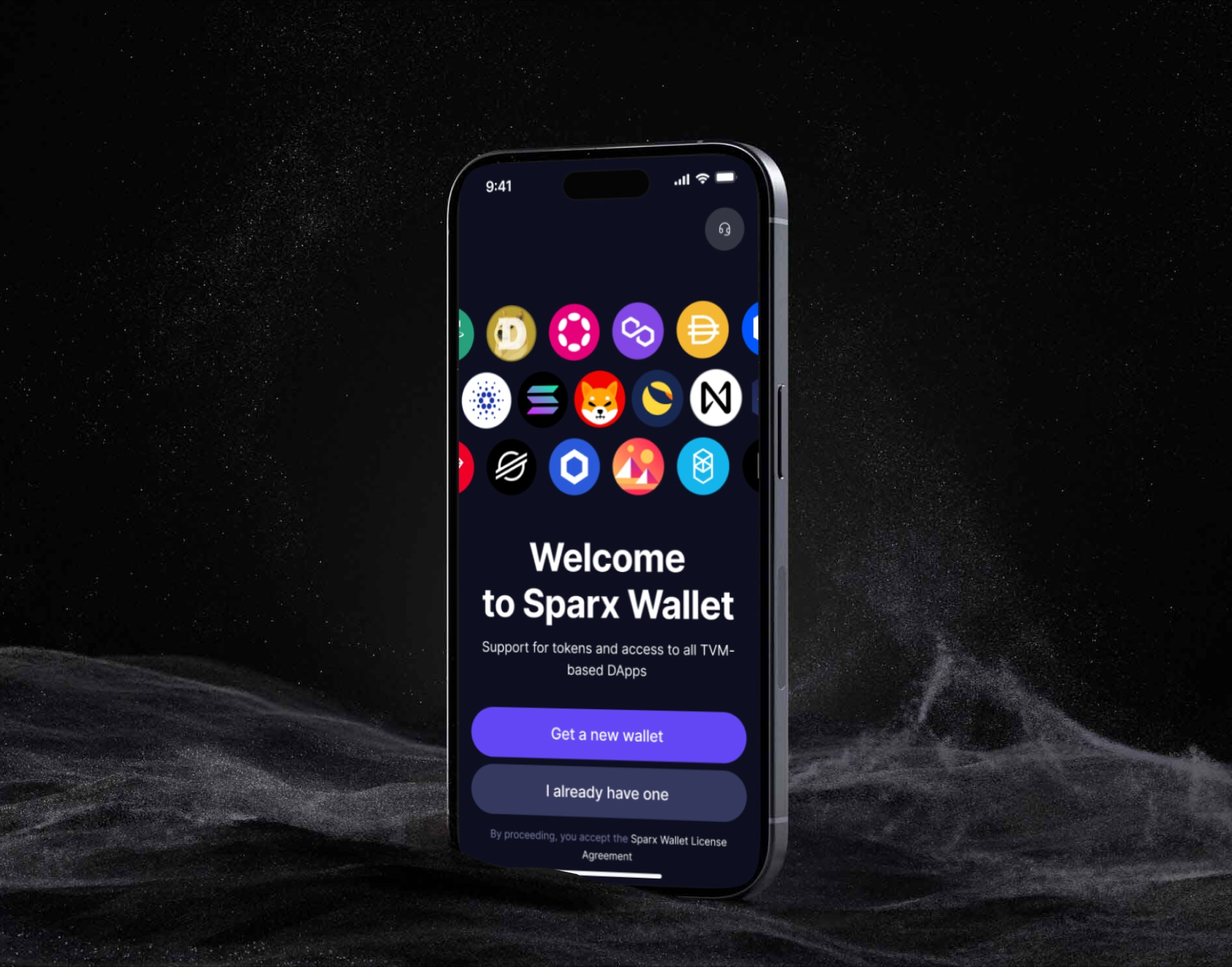
Sparx is a wallet for the TVM ecosystem — lives on iOS, Android, and as a Chrome extension. Inside it sits an embedded browser through which users access dApps, DEXes and NFTs. It's one of the product's central flows: in crypto, a wallet without a browser is useless. I joined the project mid-stream. The team had already shipped early versions, but the browser, Ledger integration and core navigation weren't working the way they should — they needed rework. My job was to take full ownership of these flows and ship them to production across all three platforms.
Problem
The request came from the team. Developers and PMs use Sparx daily, and feedback also came from Telegram and Discord: «can't use the embedded browser», «where are bookmarks?», «why can't I switch between tabs?». At that point the browser was missing half of what a mobile browser should have: you couldn't properly handle multiple tabs; no bookmarks — every dApp visit from scratch; gestures and long-press didn't work like in Safari. Users couldn't get around it through external Safari — dApps have no access to the wallet from outside. The embedded browser is the only door to DeFi and NFTs.

Research
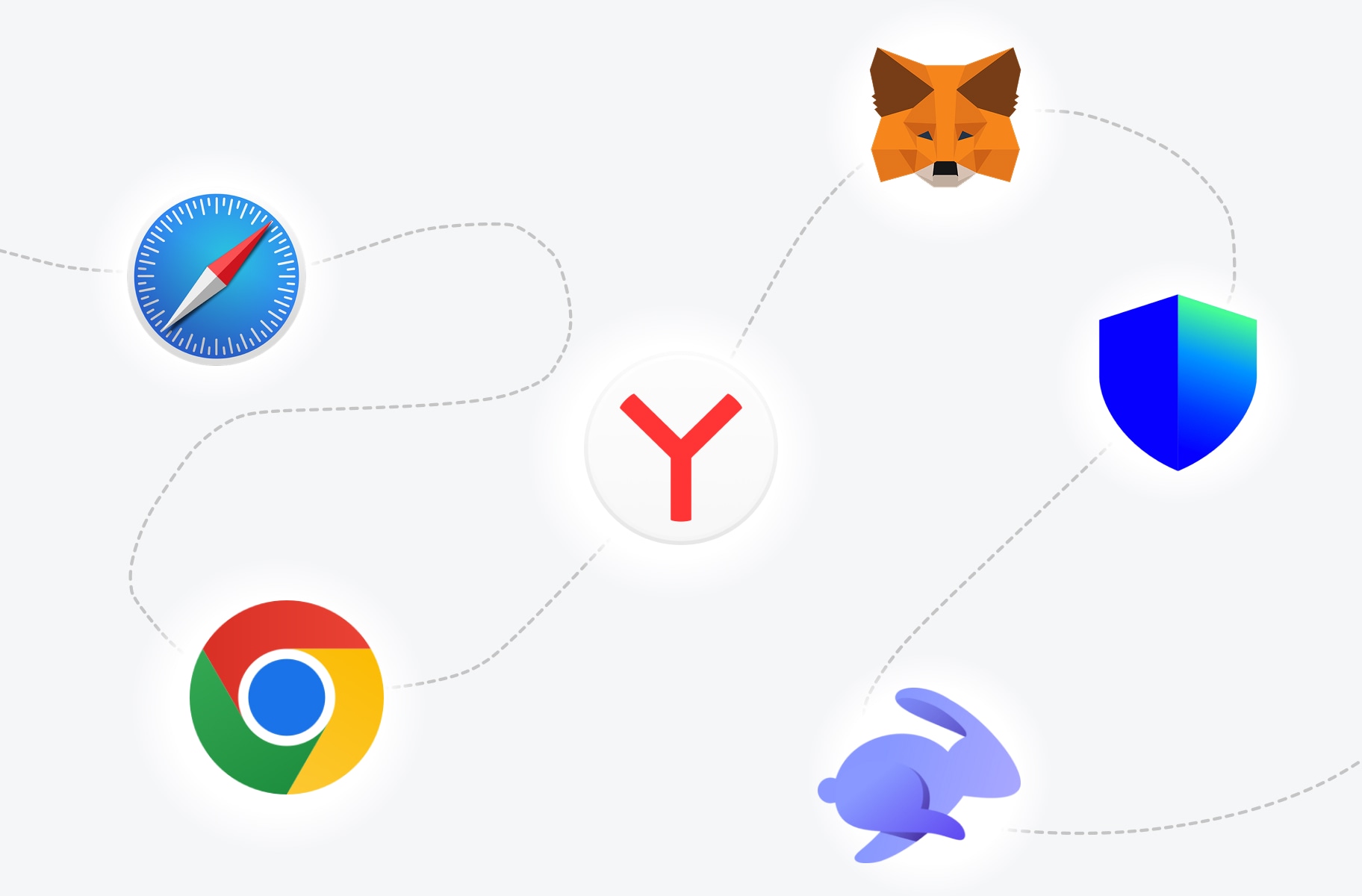
Before opening Figma, I analysed dozens of existing references — among them: Safari, Chrome, Yandex, MetaMask and Trust Wallet. The first three to study how familiar mobile browsing is structured. The other two are direct competitors in the wallet category. I analysed behaviour: the address bar on scroll, tab switching, long-press, bookmark and history menus, empty states, paste & go. The analysis surfaced two extremes. Crypto wallets treat the browser as a secondary feature — trimmed gestures, minimum detail. That's what created a «foreign» environment for the user. Universal browsers are overloaded — maybe justified for general surfing, but excessive for a wallet, where the user comes only for dApps.
Solution
I worked from states, not screens. First I mapped out everything that can happen in the browser — from an empty tab to the collapsed address bar on scroll — then designed each state separately and tied them together.
The tab bar became the interface base
Previously the tab bar was a floating rounded island, fighting with other navigation layers for attention. I made it flat, 48 px, with a 1 px top divider. The bar stopped jumping at the user and became an honest base of the screen.
A functional address bar
Swipe left/right to switch between adjacent tabs — neighbouring tabs peek in at the edges. Long-press on the URL opens a context menu: Copy URL, Add Bookmark, Clear from History. These are the gestures users do hundreds of times a day in familiar browsers — now they work in Sparx too.
A full set of page states
Start page, paste & go when a URL is on the clipboard, search with suggestions from bookmarks, loader, the page itself, and scroll state. The bar collapses on scroll down and returns on scroll up. Six states instead of two.
Bookmarks, tabs and history
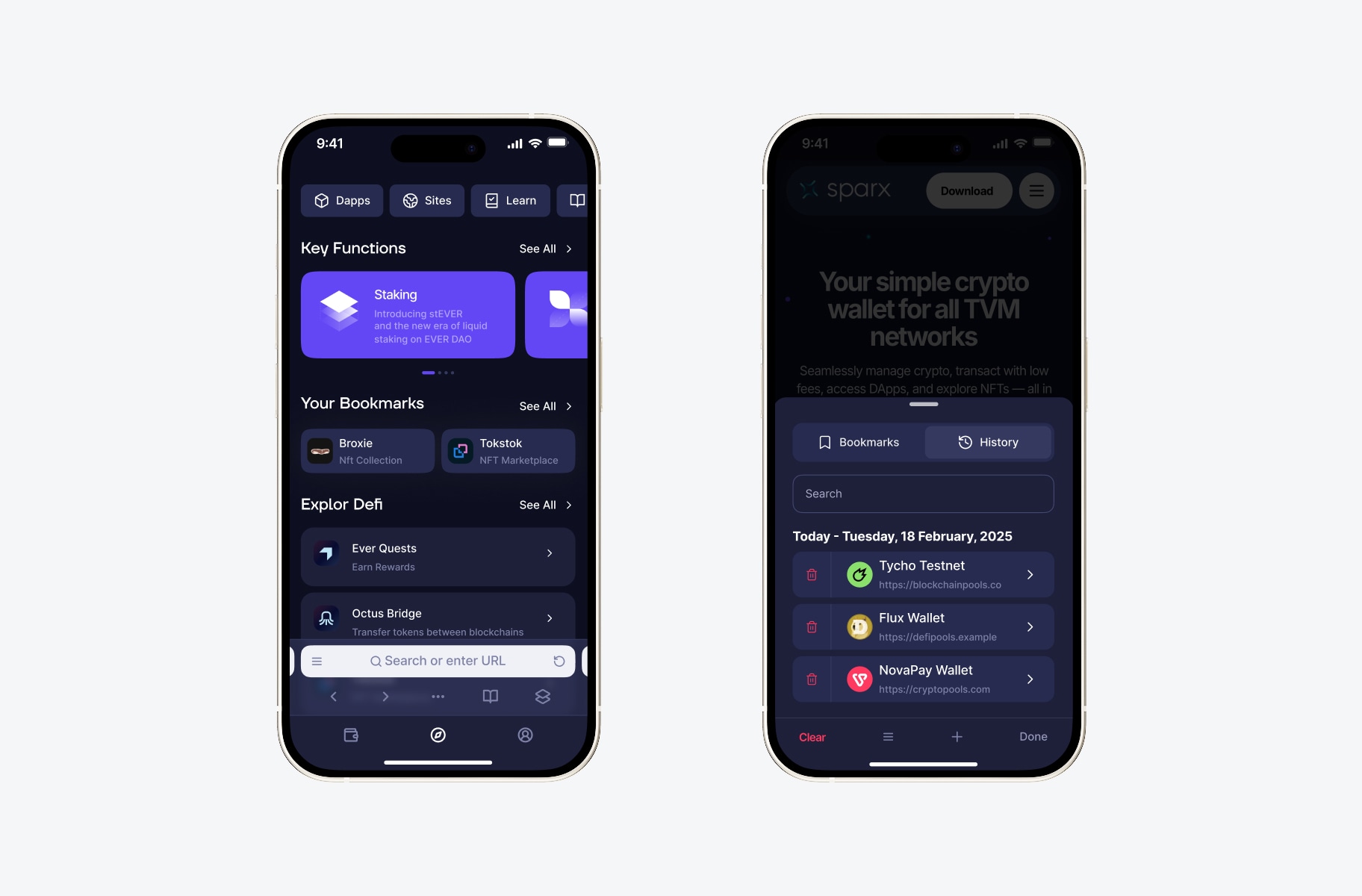
The main behavioural change: the wallet finally remembers dApps. A tab menu with three sections — open tabs, bookmarks, history. You can bookmark from long-press or from tab options. Edit mode and clear for history.
Result
The new browser shipped to production on all platforms. The request that started the project is closed: users got proper mobile browsing inside the wallet — with bookmarks, gestures, and proper multi-tab handling. Inside the team things moved fast and smoothly: decisions were made on calls and shipped to dev without extra cycles of rework.
Other screens
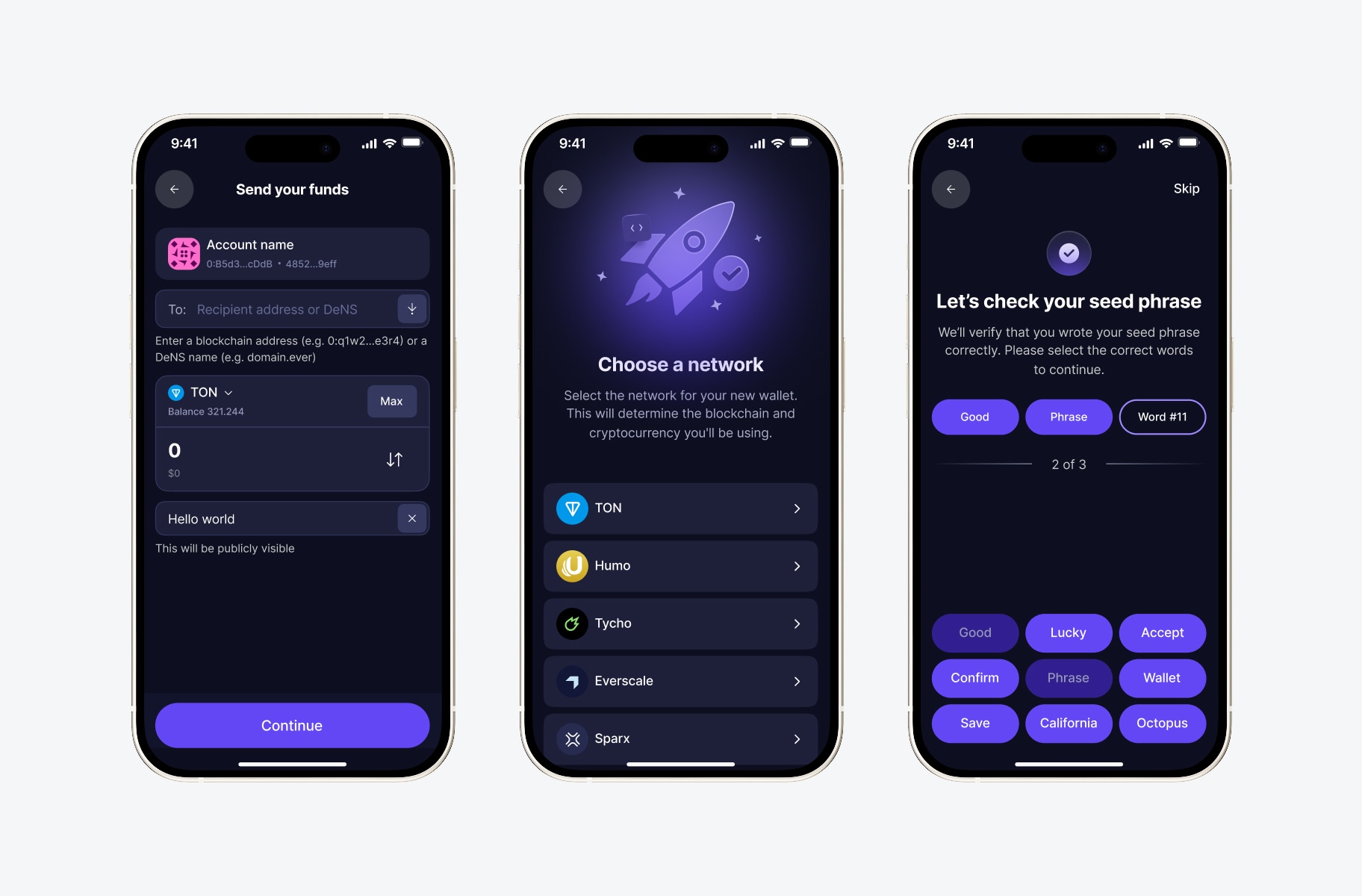
Beyond the browser, in this project I shipped the Ledger connection flow, account and seed phrase management, optimised transfer and transaction confirmation flows, and developed the design system for all three platforms.